Find the exact LCD panel model number, decode what it says, and buy the right replacement the first time.
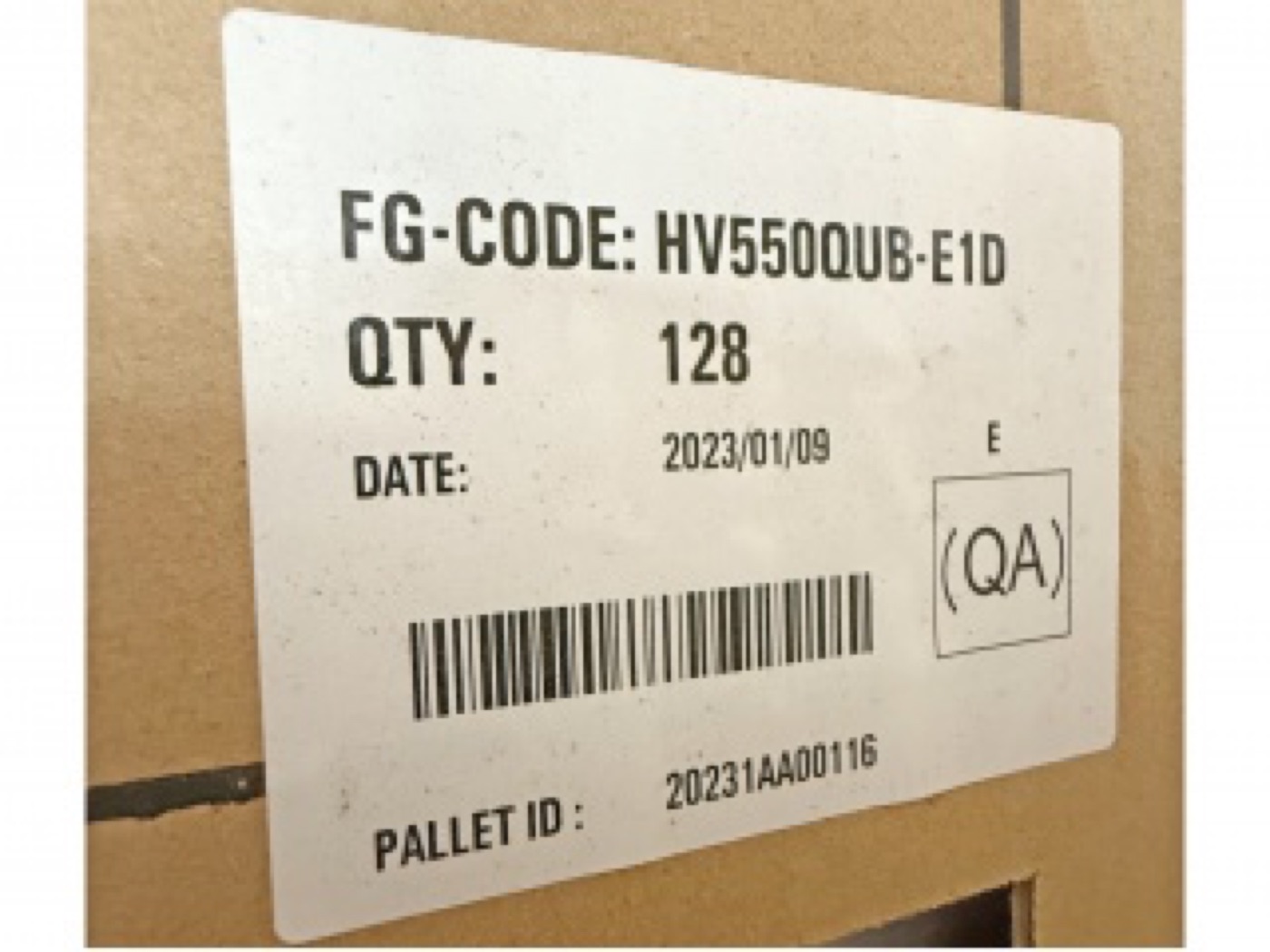
Every successful panel purchase starts with one string of characters: the LCD panel model number. Get it exactly right and the panel drops into your TV or your customer's repair; get it one letter wrong and the connector, mounting or firmware may not match. Here is how to find and read it.
On a bare open cell, the manufacturer's label sits on the back of the metal chassis or on the T-CON shield cover — usually a white or silver sticker with a barcode. Inside a finished TV you may need to remove the back cover: the panel sticker is separate from the TV's own model label, so ignore stickers on the housing and look for one on the panel assembly itself.
One sticker often carries several codes. The panel model is the alphanumeric string that matches the maker's naming pattern — for example HV430QUB-F7D (BOE), LC650DQJ-SMA1 (LG Display), ST5461D20-5 (CSOT), T550QVN07.C (AUO). Serial numbers, barcodes and date codes are not the model — quoting those to a supplier will slow you down.
The model number encodes more than size. Reading the BOE example HV430QUB-F7D:
| Segment | Meaning |
|---|---|
| HV | Brand series prefix (maker and product family) |
| 430 | Diagonal — 43.0 inches |
| QUB | Generation and interface family; U = 4K UHD in most BOE TV series |
| F7D | Revision suffix — backlight, connector and material revisions live here |
LG Display uses LC + size + generation + suffix (LC650DQJ: 65", DQJ = generation/interface family), CSOT uses ST + size + generation (ST5461D20: 55"), and AUO uses T + size + generation (T550QVN07: 55"). The digits after the prefix almost always tell you the diagonal — a quick sanity check before anything else.
The prefix tells you what the panel roughly is; the suffix tells you what it exactly is. Connector position, backlight voltage, and mechanical revisions change between suffixes like -F7D and -F7K. Two panels with the same prefix but different suffixes are not always interchangeable — check the full model including suffix before ordering, or ask your supplier to run a compatibility check.
No label? You can still narrow it down: measure the diagonal, photograph the connector layout and the shape of the metal frame, and note anything printed on the flex cables or the T-CON board. Send those to a specialist supplier — model identification from photos is a routine request, and we handle it through our discontinued panel sourcing & replacement review.
The professional habit: quote the model exactly as printed, including every letter and dash, then ask the supplier for the datasheet to confirm size, resolution and interface before paying. Our datasheet library covers core models, and any model page on this site has the full specification on request.
Send a photo of the sticker — or of the panel itself if the sticker is missing — and we identify the model, confirm availability and quote the grade in writing. See also our guide on how to pack LCD panels for shipping.